

AI Model
1. Model Selection
Section titled “1. Model Selection”Choose the foundation AI model your agent should use. You can easily change models for your agent whenever you want. Credal supports models from OpenAI, Anthropic, Google, and Cerebras. Compare available models, including measured speed from real-world use, on Credal's Models page.
Your organization or cloud environment may limit which providers or models are available. Reach out to your administrator or support@credal.ai for help.
Use the Preview tab to compare responses before publishing. For side-by-side tests across model configurations, see Agent Benchmark.
- Reasoning: Multi-step reasoning, task decomposition, and nuanced instructions.
- Domain fit: Strengths vary across coding, writing, analysis, research, and images.
- Context window: Larger windows handle more prompts, files, data, and conversation history.
- Tool calling: Selecting tools, formatting requests, making parallel calls, and handling responses.
- Speed & cost: Balance latency, quality, and budget.
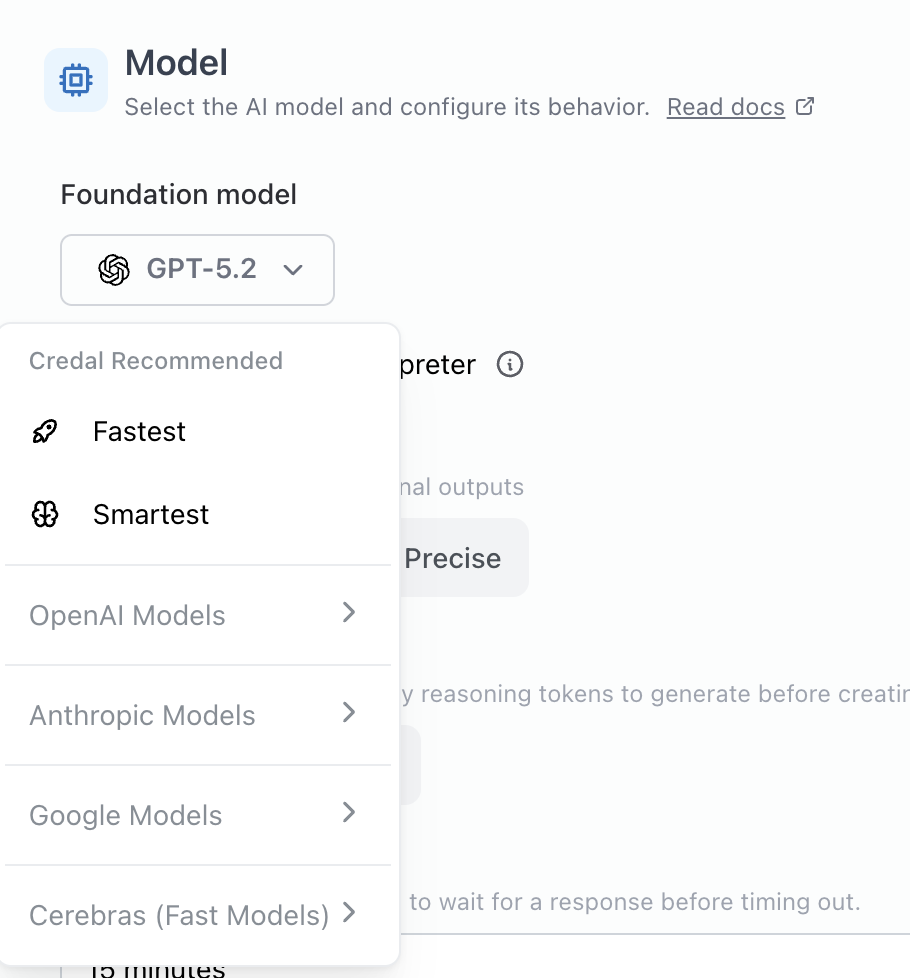
2. Creativity
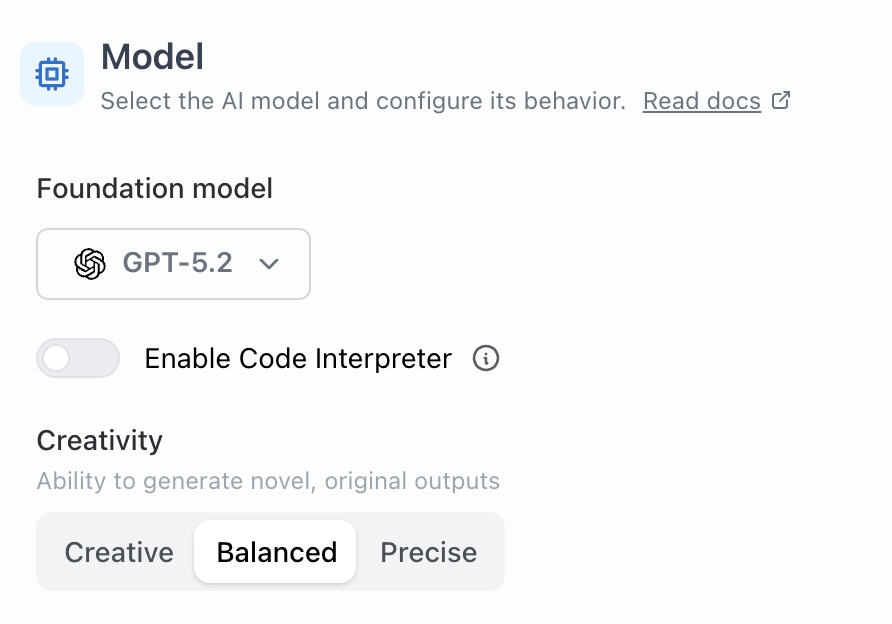
Section titled “2. Creativity”Set how creative your agent should be. For most use cases, use "precise" or "balanced".
- Higher creativity → Better for brainstorming, marketing, and creative writing; more likely to produce unexpected responses.
- Higher precision → Better for analysis, research, and accuracy-sensitive work; more likely to stick to provided context.
3. Code Interpreter
Section titled “3. Code Interpreter”Code Interpreter (Advanced Data Analysis) runs Python inline to:
- Analyze structured datasets (CSV, JSON, etc.)
- Create charts and visualizations
Note: Code Interpreter is only available when using OpenAI models.
Enable
Section titled “Enable”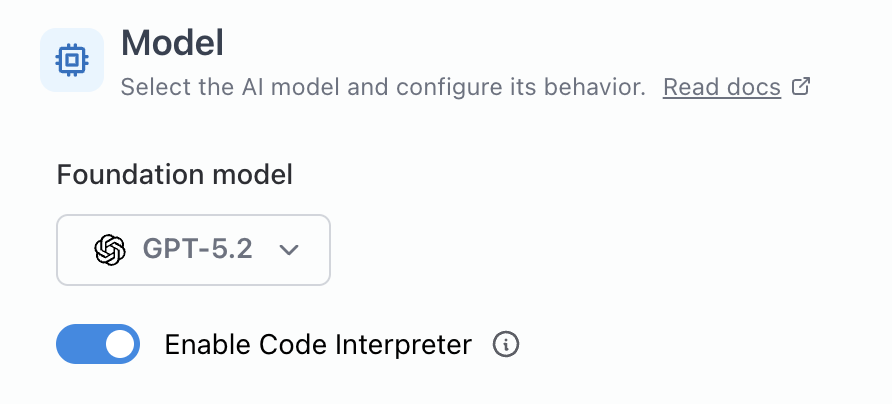
Example Workflow
Section titled “Example Workflow”- Upload a CSV
- Ask for a quick summary (row count, columns, nulls)
- Generate a chart and export cleaned data
- Run it on attached documents
- Run it on supported action results, such as a Snowflake query